
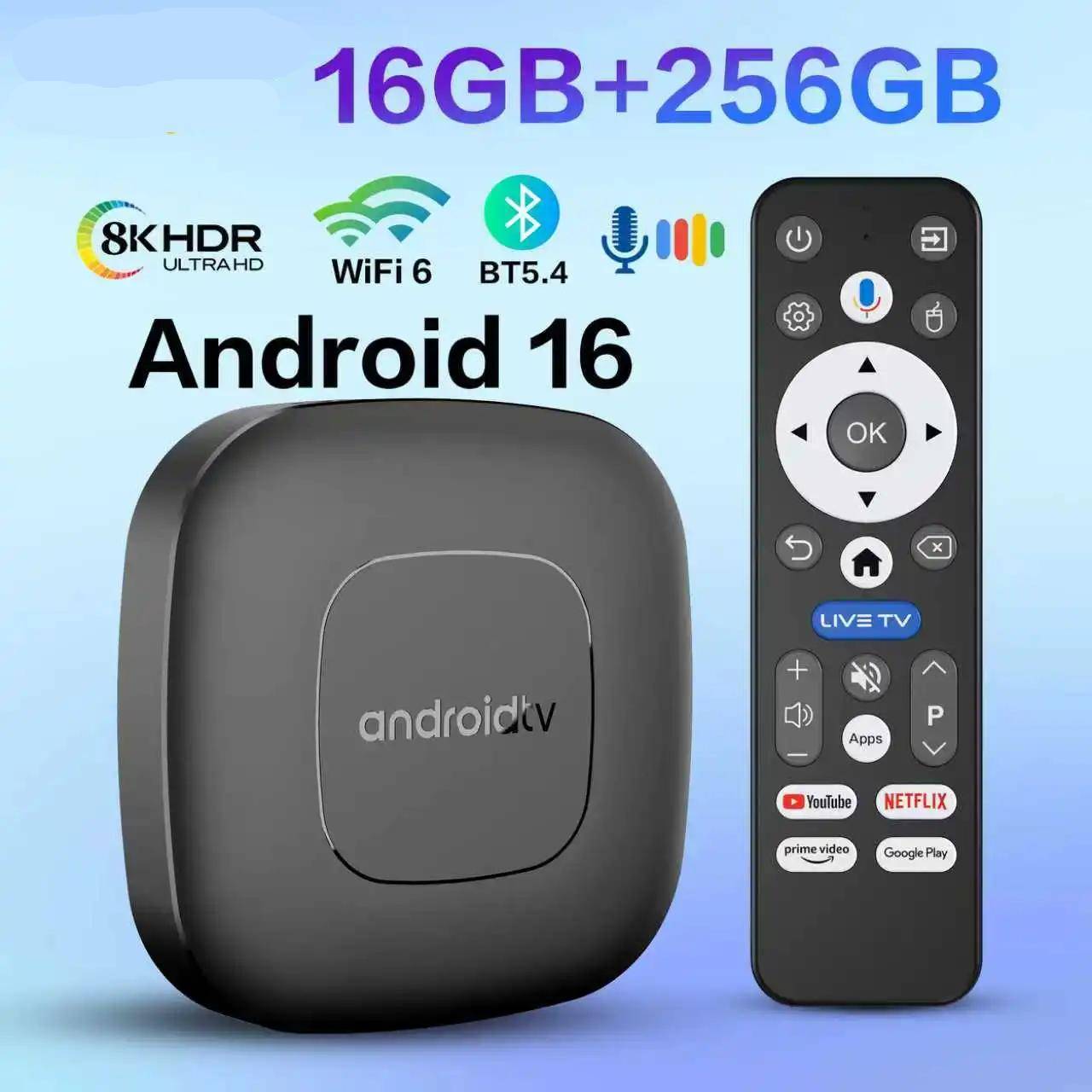




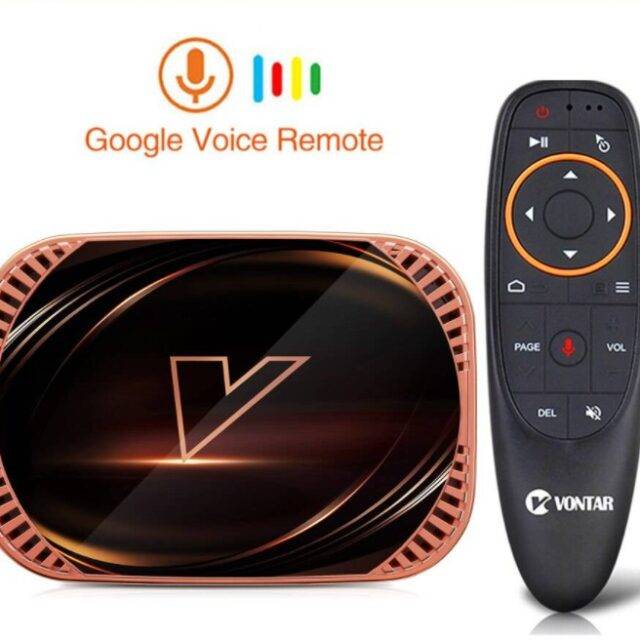
Android 16 Smart TV Box with Google Assistant – T1
Features:
- OS : Android 16
- Capacity: 8GB+128GB / 16GB+256GB
- 8K video decoding output
- Bluetooth 5.4 + 2.3
- WiFi 6 support 2.4GHz and 5.8GHz
- HDR 10+
- Google assistant
- Bult-in Chromecast
- USB 3.0 (5 Gbps) for external storages
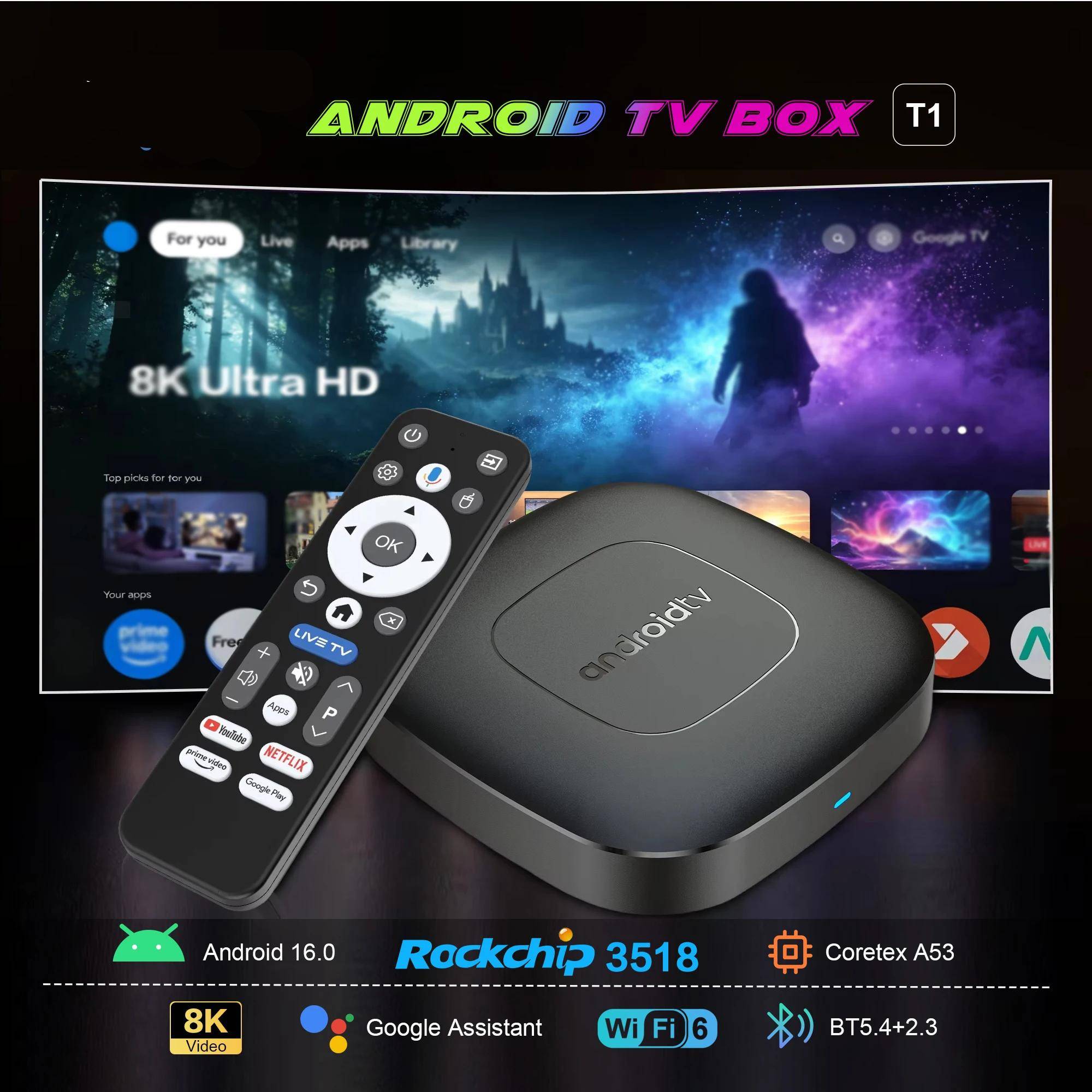
Through voice assistants, users can easily search for content, control playback, query information, and more. You can say open Youtube..

Android 16 is a newer operating system version that supports more applications. It offers smoother performance and reduces lag

Supports technologies such as HDR hardware decoding for more detailed image quality

Movie Experience: Enjoy vibrant 4K Ultra HD viewing, providing users with clear, detailed, and vividly colored images, allowing you to enjoy a cinematic visual experience at home

Wi-Fi 6 + 10/100M LAN: The TV box supports Wi-Fi 6 and standard Ethernet, supporting multiple network connection methods and providing fast and stable network connectivity

Equipped with the latest RK3518 processor, a quad-core Cortex-A53 CPU and Mali-450 GPU, it offers stable operation, enhanced image processing capabilities, and smooth loading
Easily share the small screen to the large screen. You can play games and watch You can
play games and watch

Supports plug-and-play USB 3.0 devices, can connect to large-capacity hard drives to play high-definition content, and offers faster transfer speeds

Small interface big effect, can meet various entertainment needs

Frequently Asked Questions:
*Note: Please use the cables we provide, do not change the cables at will, so as to avoid the machine being unable to boot
If the TV box restarts repeatedly after a few seconds or minutes, or the red light on the front panel is on and the TV screen stops at the boot screen, the problem is that the output voltage and current of your power adapter are not 5V/2A. You can use a 5V/2A adapter to power the TV box, and it can be used normally.
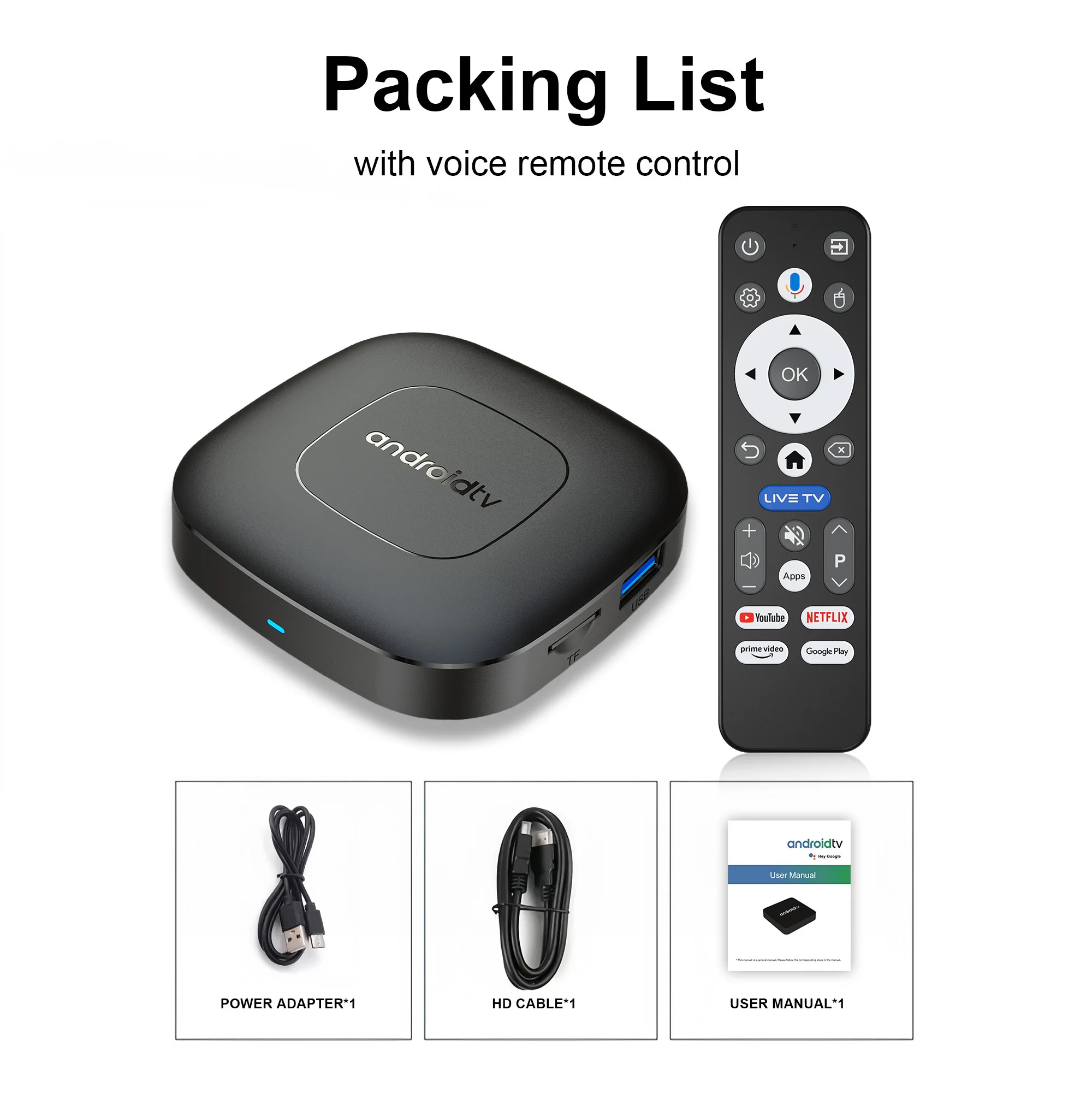
This product does not include a power adapter; buyers must provide their own 5V/2A power adapter to use our product.

Special Notes
How to use Google Voice Assistant,? How to use Bluetooth voice remote, microphone?
Step 1: Tap the voice button and release it.
Step 2: Wait until the voice input pop-up box appears in the lower right corner of the TV, then long press the voice button and input voice commands at the same time (press and hold the voice button and speak into the microphone).
Step 3: After the voice command is input, release the voice button (release the voice button after speaking).
Step 4: The machine will automatically perform corresponding actions based on the voice command.
How to install T1 TV box? T1 TV box installation steps
Step 1: Connect one end of our standard HDMI cable to the HDMI interface of the set-top box , and the other end to the HDMI interface of the TV
Step 2:Using our standard USB power cord, with a 5V2A power supply (the suggestion given by the power supply is to use 5V2A specifications. If it is not this specification, it may cause the machine’s power supply voltage Unable to run)and the set -top box indicator turns from the blue light to the red light)
Step 3: The blue indicator of the box box is on, indicating that the machine is running normally. Users need to use a TV remote control to switch to the set -top box to access the corresponding signal source of the corresponding HDMI port. Only when the signal source is switched to the corresponding signal source, the set -top box screen will access the TV.
Step 4: Open the network settings, connect to the network, and you can surf the Internet normally


Netflix usage tutorial:
1. After connecting to WiFi, open the APP, find the black Netflix software, and click to open
2. After clicking to open Netflix, the login interface will appear. Click the mouse switch button on the remote control to switch the remote control to mouse mode, and click the login button of the software
3. Click the mouse button again to switch the remote control to remote control mode, enter the account password to log in
4. Use the mouse mode of the remote control to click the video to be played
Notes: Disney NETFLIX and other software cannot solve the problem. Disney software may not be compatible and cannot be used for a long time. If you need to use Disney software, please choose your purchase carefully to avoid unnecessary disputes. Based on the actual product!
Machine startup problem:
(1) Product startup: It is normal for the product to start up slowly for the first time. Each product has different configurations, so the startup time is also different.If the startup is slow, please wait patiently and do not unplug the power supply. For customers who have high requirements for startup time, please choose products with high prices and configurations in our store.
(2) If there is no signal when starting up, it is because the user has used an HDMl cable and power cable that don’t match the product. Please be sure to use the accessories provided by us and do not replace the cables at will . lf there is no signal when the machine is turned on, it may be that the user’s TV has multiple HDMl interfaces. The user can use the TV remote control to switch to the correct signal source, and the TV will display the picture normally.
Because the T1 machine will regularly update the software system to ensure that users receive the latest and best system, the Android system of the T1 machine has been gradually upgraded to Android 16. If the user receives an Android 16 system, they can use it with confidence. Our front-end developers have updated the T1 machine to the latest Android system version, which can be better compatible with more suitable applications.

4 GREAT REASONS TO BUY FROM US:
- Over 37,000 happy customers worldwide
- Real people on our support team ready to help
- We proudly offer a full satisfaction guarantee. Our highest priority is to make you happy, so every order comes with a 60-day money back guarantee!
- 100% Safety & Security Guaranteed. At gladgetz.com, we take your security and privacy very seriously. Shop safely using the world’s most popular and trustworthy payment methods!

BUY WITH CONFIDENCE
We truly believe in the best customer support, meaning we will do whatever it takes to make sure you have a positive purchase experience. We respond to emails within 24 hours and always make sure all your concerns are answered ASAP.
- Easy Returns. All our products are backed with 60-day money back guarantee. Just contact us and we will refund the purchase price.
- Risk-Free Purchase: Our Buyer Protection covers your purchase from click to delivery so you can shop with peace of mind.
- 100% Satisfaction Guarantee: All our products are backed with 60-day money back guarantee. If for any reason you’re not completely satisfied with your purchase, contact us for a product refund. We’ll be more than happy to assist you.








It works perfectly, it's just a bit of a hassle to set up. The HDMI that came with it is not good, you have to use another one. My TV is 4K, so I'll have to buy another HDMI to run 4K smoothly. But the app is working perfectly for now without any lag. At first, the screen was flickering, but it was a configuration issue with the HDMI that you need to adjust in the settings.
The device is very good and fast, the applications work quickly, the remote control includes voice control, the only thing missing is the power adapter; it only comes with the USB cable but it works without any problem with any adapter for charging a cell phone.
Nice and fast
Just got it so far seems pretty good but i'm still trying to set it up and get disney plus
Obviously, it's not 16/256, because the settings don't let you see the actual configuration of its storage and RAM, but it's fast, I believe it's 4/64, it's worth the purchase.
As described
This box is pretty good but not all application available for installation.
Great seller. Prompt delivery. Excellent service. A++++++++++ Excellent product.
Received the device in good condition and connected it. Works exactly as expected! As small as a matchbox, so beautiful! Bluetooth remote control works well too. Pairing with Bluetooth earbuds is possible. Android 16 is completely up to date!
Everything as described
Obviously, it doesn't have 16 and 8GB. Because the memory would cost more than the device itself. But it works and is comparable to the 2GB Mi Stick.
The box is really good, spacious and without any issues; it even works with a 4K resolution. Just one caveat: my TV has Google TV, and the TV remote works with the TV box. Very fast shipping to Brazil. Congratulations to the store and the seller I will buy more for resale.
I had a problem with the device, but Aliexpress customer service resolved it quickly.
It arrived missing the power adapter, I am upset about this situation. Power adapter, where is it? waiting for shipment
Excellent product, highly recommended seller
I don't give 5 stars because it's mandatory to log in with a Google account for the home screen to appear. For those who work in resale with pre-installed apps, it's not a problem at all. There is no network cable. The Wi-Fi connectivity is good. The Bluetooth controller is battery-powered. The device responds quickly and the image is suitable. It is undoubtedly one of the best value-for-money options on Aliexpress.
device that is difficult to set up.
Great item, i definitely recommend it. fast working, good visuals. i hope it will work without any bugs
The package just arrived, packing was good, delivery suxed
Received earlier than expected. Everything works well, quickly and clearly. All applications are downloaded and installed normally. The remote control is clear and convenient, with voice search support and Google Assistant. The device itself is compact and, by its weight, it feels like there's something more to it than just plastic))).. Very satisfied, very good for this price. I recommend it. 16 RAM 256 ROM.